
UPDATES
API Project Update and Early Overview
Testpad is building an API. The project is in final testing with just some deployment issues to resolve.
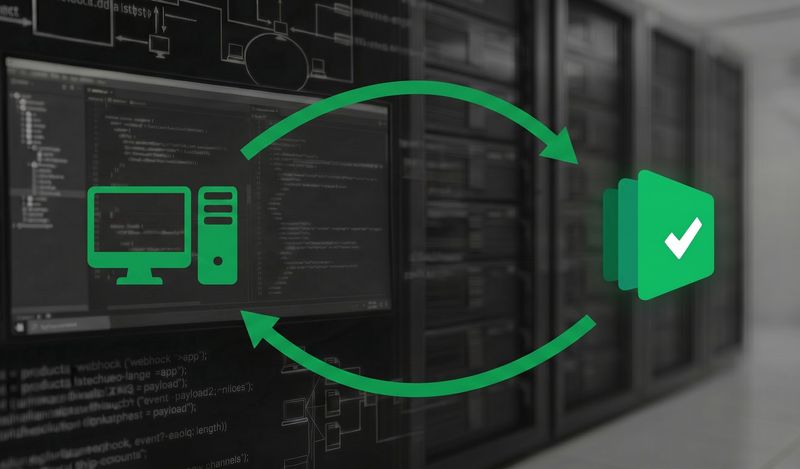
Testpad's API now supports webhooks, so your other tools can be notified the moment something happens in your account. Connect through a platform like Zapier, or the API directly.

By Stef
June 24, 2026



hen we announced the Testpad API, we said webhooks were coming. They're here. The API can now push events to you, so the moment something happens in your Testpad account, your other tools can know about it.
A webhook is a message Testpad sends to a URL of your choosing whenever a particular event happens. Instead of your tools polling the API to ask "has anything changed?", Testpad tells them as it happens. You register a URL, choose the events you care about, and Testpad posts the details there each time one occurs.
Webhook events come in two groups: test runs and results. You can subscribe to a whole group, to a single event within it, or to everything at once.
So you might take every result as it comes in, or narrow it down to just the failures. The full list of events is in the API documentation.
You don't have to be a developer to use webhooks. Integration platforms like Zapier, Make, and n8n can catch a webhook and turn it into an action in hundreds of other apps. Point a Testpad webhook at one of them, and you can, for example:
The Testpad API is currently available on request, and now includes webhooks. To get set up, reach out to us at support@testpad.com. You'll find how to register a webhook, the full list of events, and worked examples in the API documentation.

If you liked this article, consider sharing
UPDATES
Testpad is building an API. The project is in final testing with just some deployment issues to resolve.
EDITORIALS
New to Testpad? These features will help you test faster. From keyboard shortcuts to guest testing, here's what's worth knowing.
UPDATES
After much asking (and a little waiting) from our customers, Testpad’s API has landed. It’s flexible, simple, and built to connect the dots between the tools you’re already using.