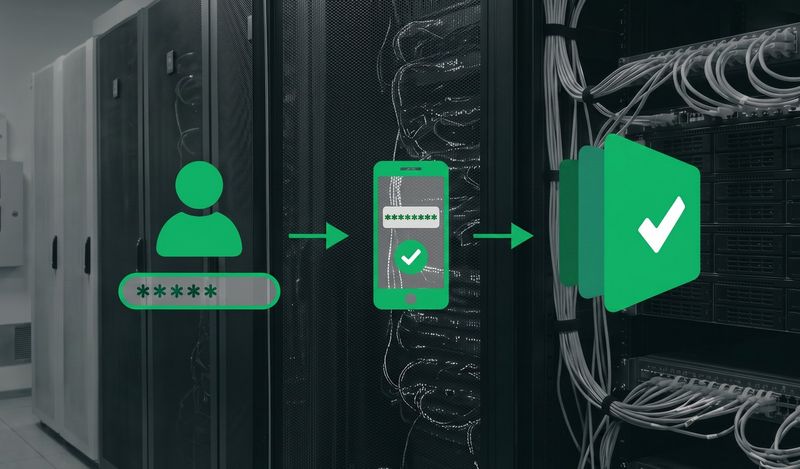
estpad now supports two-factor authentication (2FA), an extra layer of security on top of your password. It's optional for any user on any plan, and account owners can require it across their whole account. This one has been on the list for a while, and we're glad to have it in.
Switching it on
Any user can switch on two-factor authentication from their profile page. You scan a QR code with an authenticator app, enter the six-digit code it shows to confirm, and that's it. From then on, signing in asks for your password and the current code from your app, so a password on its own is no longer enough to get into your account.
Requiring it for your whole account
If you own an account, you can go a step further and set two-factor authentication to required. From that point on, every member has to enrol before they can carry on using Testpad, so the protection applies right across the account. This is often where a company security policy or compliance requirement comes in, and now you can meet it.
Which apps you can use
We support the authenticator-app method (also known as TOTP). Any standard authenticator app or password manager that generates six-digit codes will work, including:
- Google Authenticator
- Microsoft Authenticator
- Authy
- 1Password
- Bitwarden
For now, authenticator apps are the only method we support. There's no SMS option, partly because app-generated codes are the more secure choice anyway.
If you lose your authenticator
Switched phones, or lost access to your authenticator app? Use the Forgotten Password link on the sign-in page to reset and get back into your account.
Available now
Two-factor authentication is live today, on every plan. If you hit any trouble setting it up, email us at support@testpad.com and we'll help you get sorted.